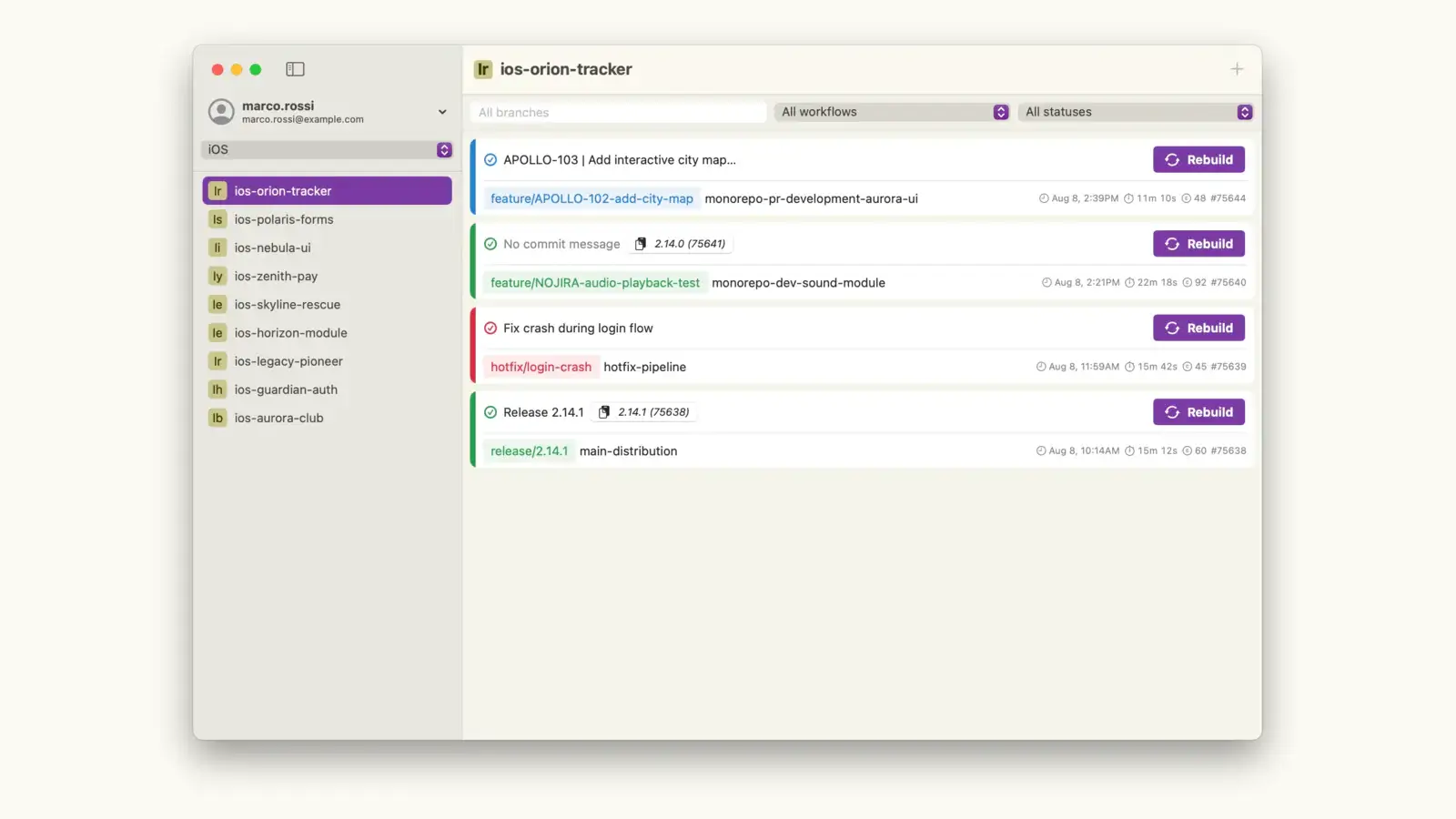
BitSlug is an unofficial, native macOS client for Bitrise, the CI/CD platform for mobile apps. It lets you monitor builds, manage pipelines and control your workflows from your Mac, with real-time updates and native notifications, without keeping a browser tab open all day.
It is built for iOS, Android, Flutter and macOS developers who want quick insight and control over their Bitrise builds. BitSlug is free and runs on macOS 15 Sequoia or later.
Features
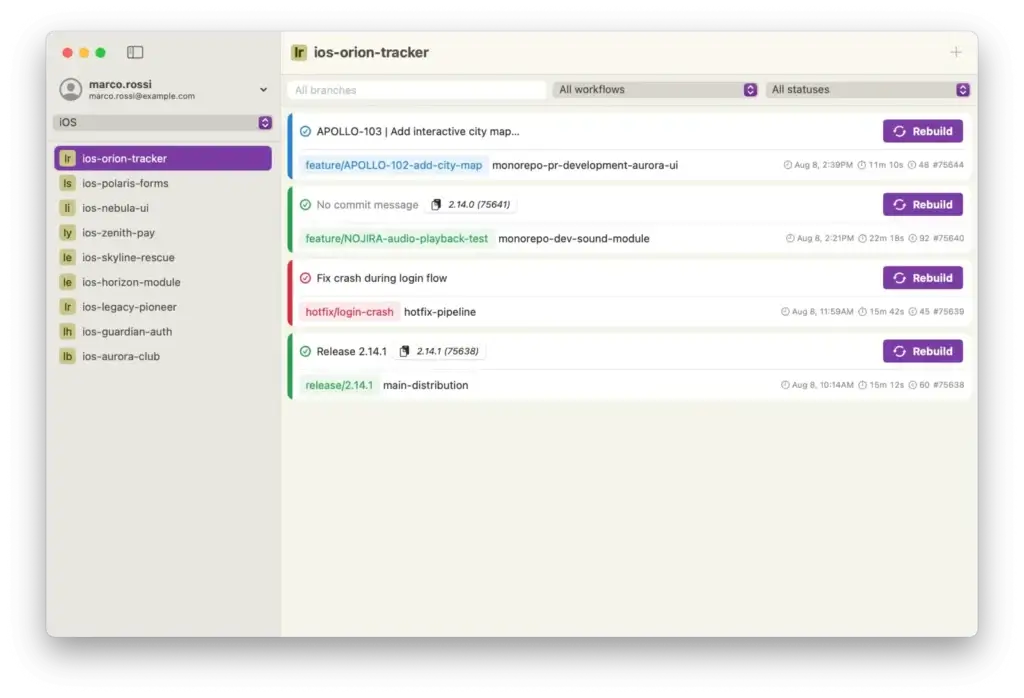
- Real-time build monitoring: follow running pipelines with live updates and background polling.
- Custom build triggers: start or rebuild a build with branch and workflow selection, and abort it safely with a confirmation dialog.
- Multi-project management: iOS, Android, Flutter and macOS projects, with project-type filters, pagination for large organisations and a selection that persists across launches.
- Native notifications: get notified when a build finishes. Notifications for successful builds dismiss themselves.
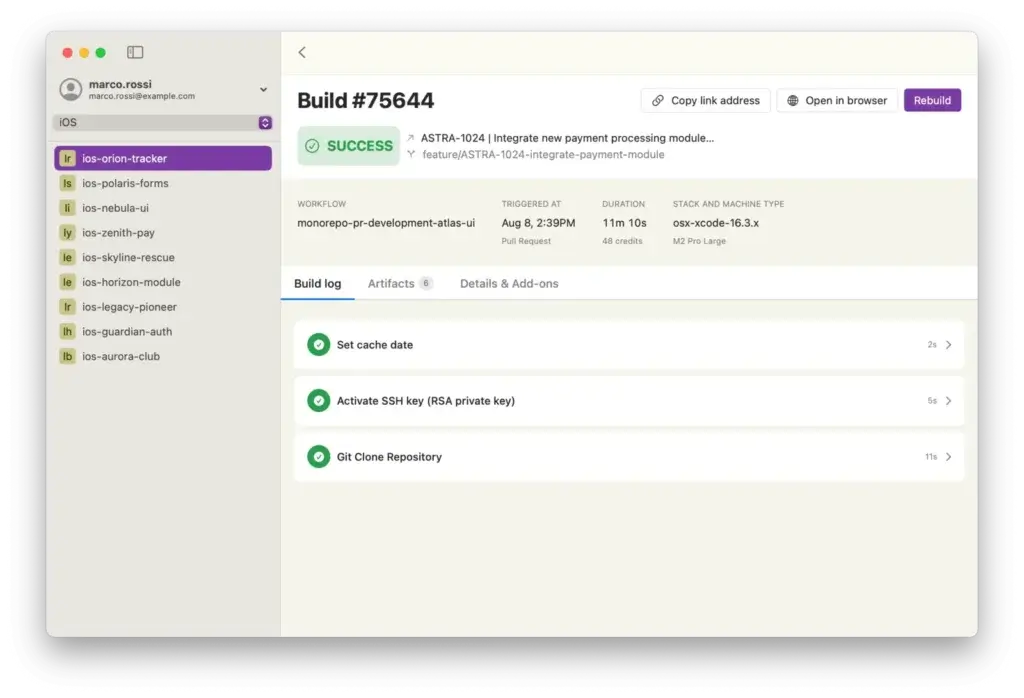
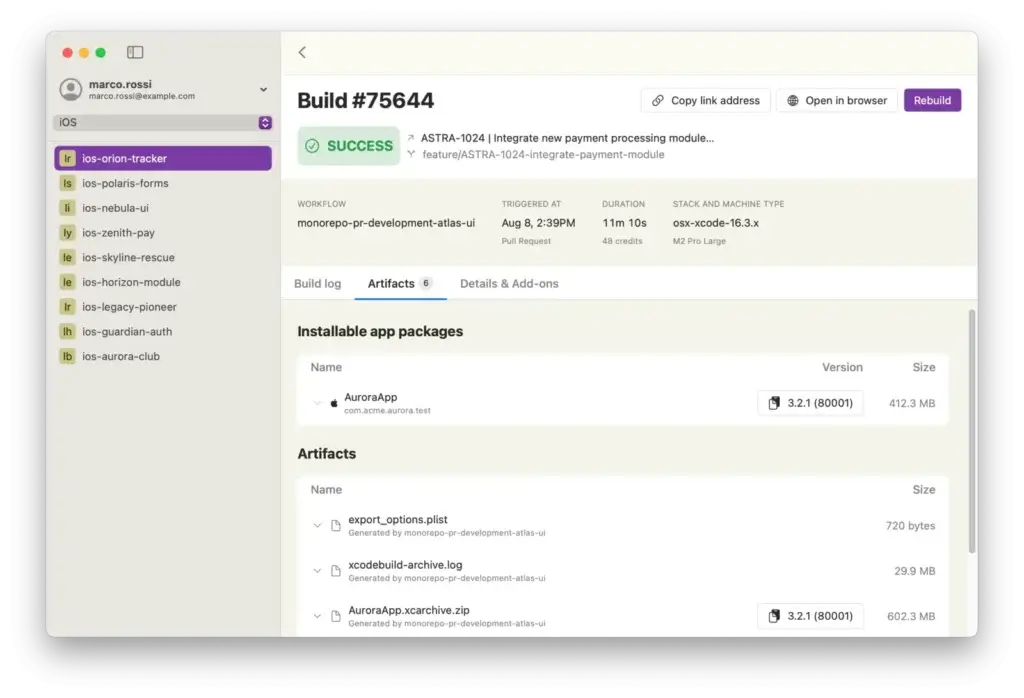
- Build details and artifacts: step-by-step logs, plus artifact download and preview with automatic IPA/APK metadata (version, bundle ID, size).
- Secure token management: your Bitrise token is stored in the macOS Keychain.
- A true Mac app: filters by branch, workflow and status, context menus (copy link, open in browser), keyboard shortcuts, dark mode and 5 languages (English, Italian, Spanish, French, German).
Screenshots
Getting started
- Create a Personal Access Token (Bitrise → Account settings → Security) or a Workspace API Token for team use.
- Download the latest version from the releases page and move it to Applications.
- Launch BitSlug and paste your token: the app checks the connection and loads your apps and builds.
The getting started guide covers both token types step by step, with troubleshooting tips.
Under the hood
- SwiftUI + MVVM with unidirectional data flow, powered by a custom store (ArchitectureKit).
- Modular workspace generated with Tuist: NetworkKit (async/await HTTP client with retry and error handling), BitriseSDK (type-safe Bitrise API client and models) and the app target.
- Protocol-oriented design with dependency injection and the repository pattern, covered by unit, lifecycle and state-restoration tests.
- String Catalog localisation with type-safe keys generated by a pre-build script.
- Distribution: signed with Developer ID and notarized by GitHub Actions, with automatic in-app updates through Sparkle.
Feedback
BitSlug is in beta. Bug reports and feature requests are welcome on GitHub Issues.
BitSlug is an independent project and is not affiliated with, endorsed or sponsored by Bitrise. Bitrise is a trademark of its respective owner.